What Is Roblox Voice Chat?
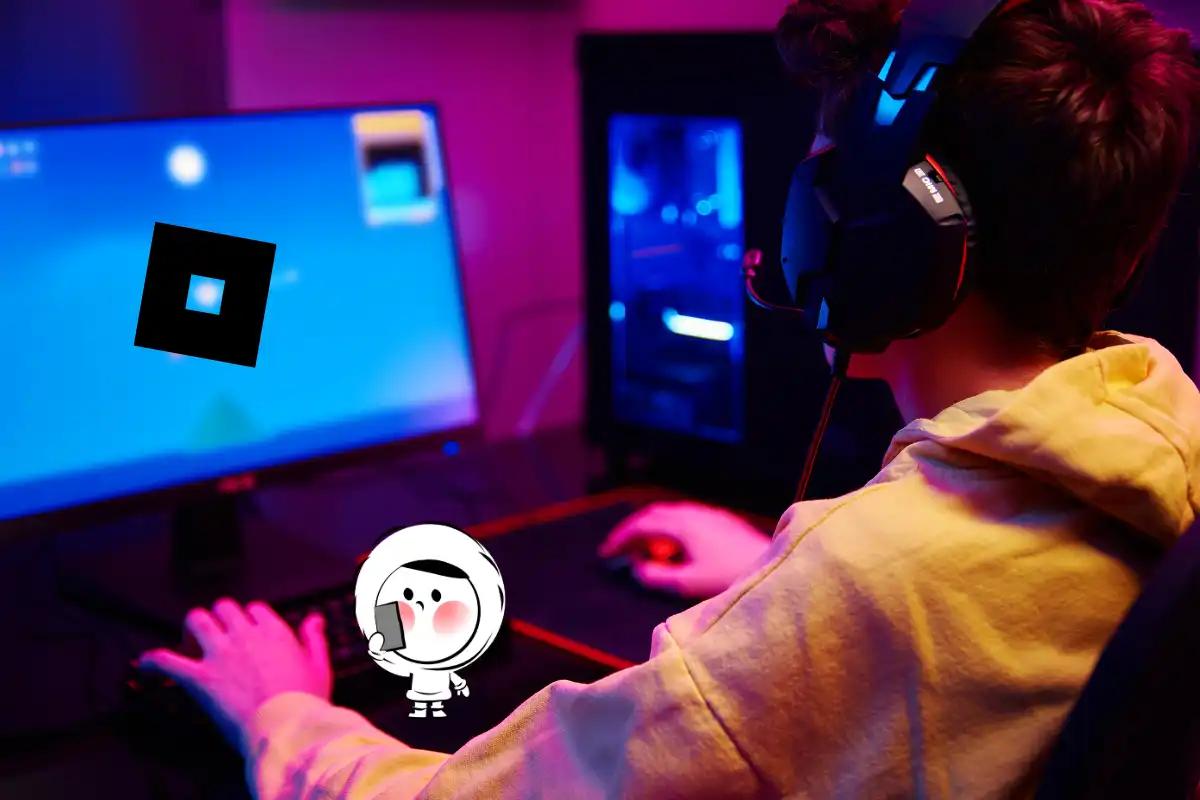
Roblox voice chat (VC) allows players aged 13 and above to communicate using their microphones. It’s part of Roblox’s social features, alongside Experience chat and Party chat. If you’ve searched how to get voice chat on Roblox, how to enable voice chat, or how to turn on mic on Roblox, you’re in the right place.
What You Need Before Enabling Voice Chat
Roblox requires three things:
1. You must be 13 or older
Accounts under 13 cannot use voice chat, even with parental approval.
2. You must verify your age with a government-issued ID
Accepted forms usually include:
- Passport
- Driver’s license
- School ID (varies by country)
3. Your device must allow microphone access
You need to enable mic permissions on:
- Windows
- macOS
- iOS
- Android
- Xbox
If any of these are missing, voice chat will not appear.
How to Verify Your Age on Roblox (Required for Voice Chat)
- Open Roblox.
- Go to Settings.
- Open Account Info.
- Tap Verify My Age.
- Scan the QR code with your phone.
- Upload a picture of your ID.
- Take a selfie for liveness verification.
- Wait for confirmation (usually a few minutes).
If verification fails, see troubleshooting below.
How to Enable Voice Chat on Roblox
Enable Voice Chat on PC
- Open Roblox and log in.
- Click the gear icon → Settings.
- Go to Privacy.
- Scroll to Voice Chat.
- Toggle Enable Voice Chat.
If the toggle is missing, your age is not verified.
Enable Voice Chat on Mac
Same steps as PC, but you must also enable:
System Settings → Privacy & Security → Microphone → Allow Roblox
Enable Voice Chat on iPhone (iOS)
- Open Settings on your iPhone.
- Go to Privacy → Microphone.
- Allow Roblox.
- Open Roblox → Settings → Privacy.
- Turn on Voice Chat.
Enable Voice Chat on Android
- Go to Settings → Apps → Roblox → Permissions.
- Allow Microphone.
- Open Roblox → Settings → Privacy.
- Enable Voice Chat.
Enable Voice Chat on Xbox
- Open Xbox Settings.
- Go to Account → Privacy & Online Safety.
- Enable Communication & Multiplayer.
- Open Roblox → Settings.
- Turn on Voice Chat.
Important: Xbox Party Chat may override Roblox voice chat.
How to Join a Game That Supports Voice Chat
Not all Roblox experiences support VC. To find compatible games:
- Search for voice enabled or VC.
- Look for the microphone icon next to the game name.
- Join the game and check if the mic icon appears above players’ avatars.
Troubleshooting: Voice Chat Not Showing or Not Working
Voice Chat Toggle Not Showing
Possible reasons:
- You are under 13
- Age verification not completed
- Roblox still reviewing your ID
- Region restrictions
- Game does not support voice chat
Fix:
- Re-verify ID
- Restart Roblox
- Try a voice-enabled game
- Check privacy settings again

Voice Chat Greyed Out
This usually means:
- Verification pending
- Network restrictions
- Microphone permission disabled
Fix:
- Re-enable mic
- Restart device
- Ensure correct date/time settings
Voice Chat Not Working In-Game
Common issues include:
1. Microphone permissions blocked
Open your settings and check whether you have allowed access for the Roblox microphone.
2. Wrong Microphone Selected
Windows:
- Click the audio icon → Sound Settings.
- Choose the correct input device.
Mac:
- Go to System Settings → Sound.
- Select your active microphone.
3. Network/NAT issues
This mostly affects Xbox, school networks, and public WiFi.
- Open Settings → Network.
- Choose Test NAT type.
- NAT must be Open or Moderate.
- If it’s Strict, voice chat may not work.
Solution: Restart router → enable UPnP → or connect directly with Ethernet.
Public or School WiFi, some networks block voice communication entirely.
Solution: Switch to a personal hotspot or a different WiFi network.
4. The Game You Joined Does Not Support Voice Chat
Voice chat only works in voice-enabled experiences.
To check:
- Look for the microphone icon next to the game name.
- Try another game known to support VC (e.g., Mic Up, The Hood, Ragdoll).
- If VC works there, the original game simply doesn’t support it.
5. Roblox’s Age Verification Is Pending or Failed
Even if you enabled voice chat, it will not work in-game if verification is incomplete.
Signs of failed verification:
- Voice chat toggle appears, but no mic icon in games
- ID submitted, but no confirmation
- Greyed-out voice chat toggle
Solution:
- Re-open Settings → Account Info.
- Check age verification status.
- Re-submit ID if needed.
- Wait for the confirmation email.
6. Your Account Was Restricted or Flagged
If Roblox detects suspicious activity, some features are temporarily disabled.
Fix:
- Check email notifications
- Review privacy settings
- Contact Roblox Support if needed
ID Verification Failed
Try:
- Using a clearer photo
- Removing glare
- Uploading original government ID
- Trying a different device
Friends Cannot Hear You
Check:
- In-game mute settings
- Avatar mic icon
- Device volume
- If you're in a quiet server
Is Roblox Voice Chat Safe?
Roblox includes:
- Report tools
- Block options
- Parental controls
- Safe Chat systems
Players under 13 are automatically restricted.
Playing Roblox with Eskimo
Voice chat makes Roblox feel more alive, but it only works well when your internet connection does. Whether you’re building worlds, joining friends, or chatting live in games, lag and dropouts can ruin the fun.
That’s where Eskimo comes in. With Eskimo’s global eSIM, you can connect instantly in over 100 countries, without switching SIM cards or hunting for Wi-Fi. Setup takes minutes, and you get fast, stable data that keeps Roblox running smoothly anywhere you go. Enjoy uninterrupted Roblox sessions with crystal-clear voice chat from anywhere in the world.
FAQs
How do you get voice chat on Roblox?
Go to Settings → Privacy & content restrictions → Communication → Voice Chat → Enable Microphone.
Can I use voice chat on Roblox mobile?
Yes, it’s the same path as the desktop. Roblox unified settings across platforms.
How to get voice chat without ID?
You can’t. Roblox requires age verification for everyone.
How to get VC on Roblox under 13?
Unavailable for now. Only verified 13+ accounts can use VC.
Why isn’t my Roblox voice chat working?
Check age verification, mic permissions, and ensure the game supports VC.
Does every Roblox game support voice chat?
No. Only voice-enabled experiences include VC.
How long does age verification take?
Usually a few minutes, but sometimes up to 24 hours.