
Install eSIM
Direct
QR Code
Manual
Step 1
Get your QR code
New to Eskimo?
Download the Eskimo app and sign in on an eSIM-compatible device to get your QR code.



Already have an account?
Step 2
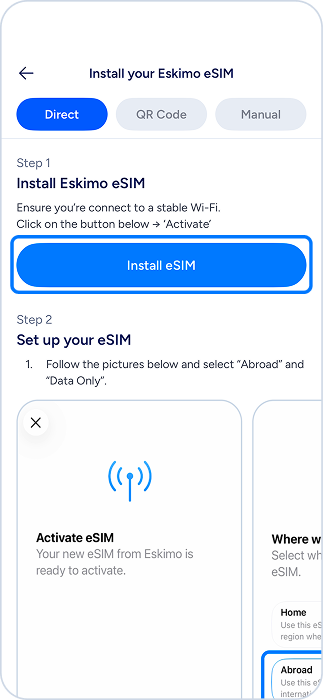
Install Eskimo eSIM
- Ensure you’re connected to a stable Wi-Fi.
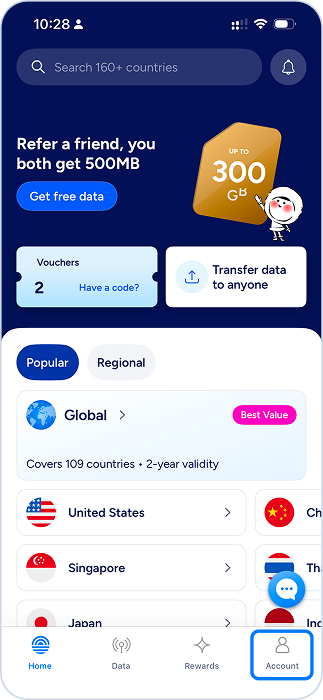
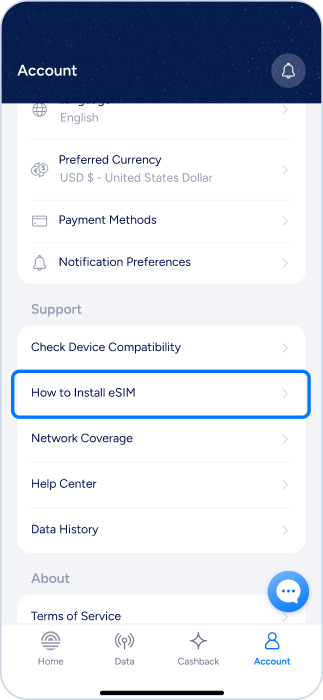
- In the Eskimo app, follow the guides below. Then follow the on-screen instructions.
Step 3
Using Eskimo
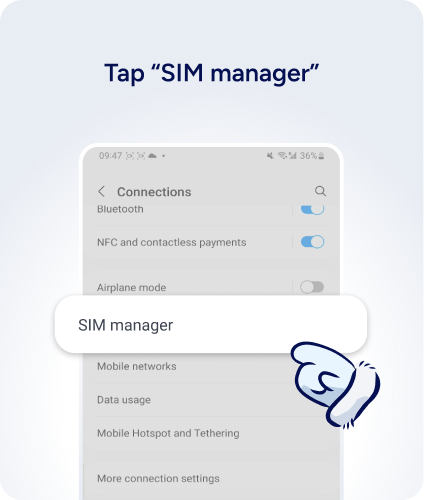
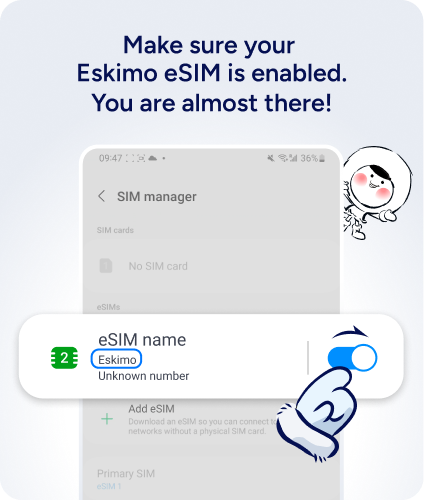
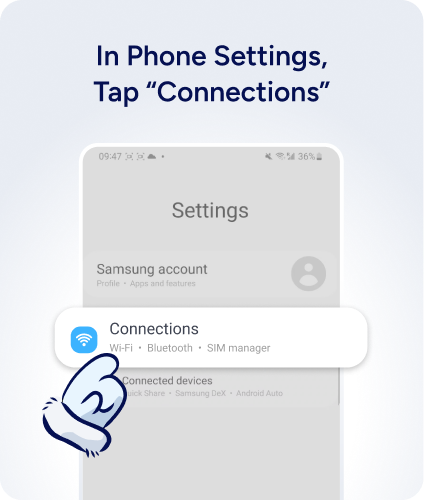
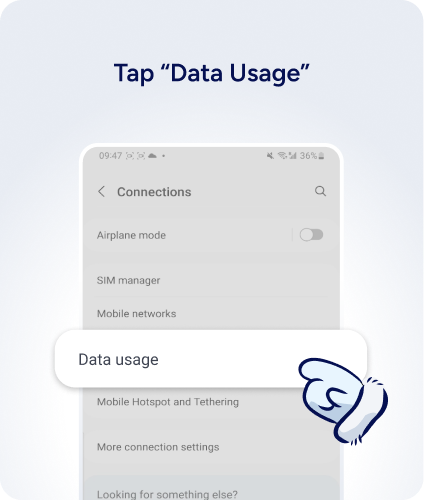
Ready to use your Eskimo data? Follow the simple steps below to make sure it’s activated.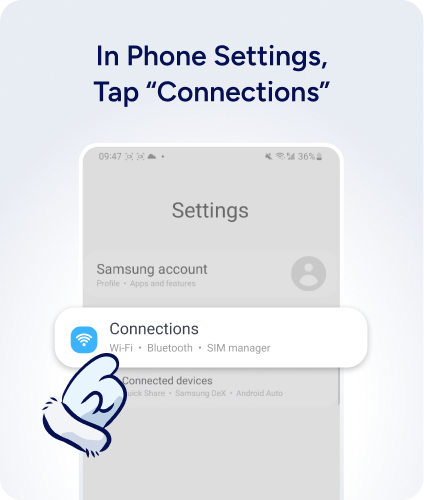
Step 4
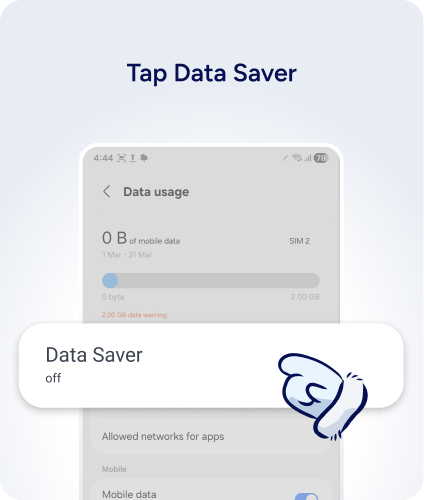
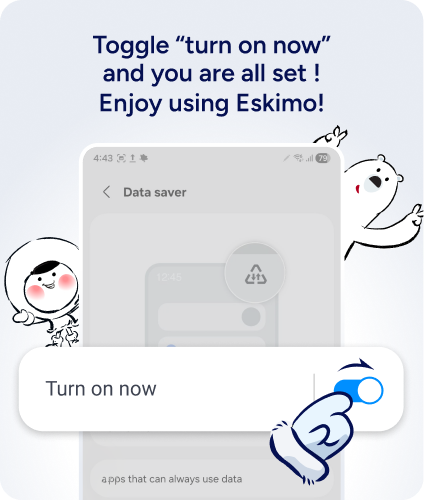
Turn On Data Saving Mode
- Switch on data saving mode to get the most out of your data plan!
Reminder
Eskimo eSIM does not expire. Do not delete it from your device. Replacement eSIM will only be issued when you purchase a new data plan.
To avoid accidental roaming charges: Settings → Mobile Service → Select your Primary SIM → Disable Data Roaming.
Still can’t connect?
It may sometimes take up to 5 minutes to connect to a new destination network for the first time. If that happens, try:
- Confirm your final settings are correct
- Switch ON airplane mode for 10 seconds
- Switch OFF your Airplane mode and Wi-Fi
- Reboot your device
- Need help? Contact us via our 24/7 live chat.