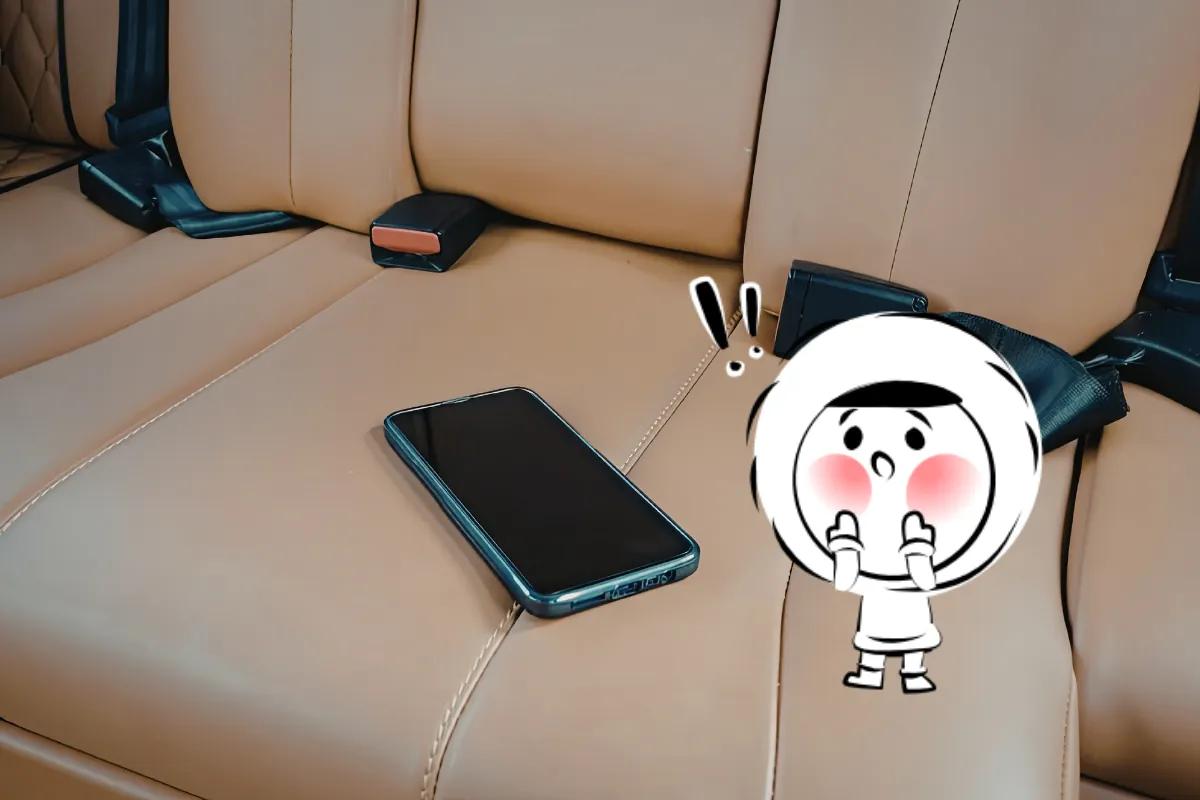
Losing your phone while traveling can throw your whole trip off balance. It is not just about the device. Your maps, hotel bookings, boarding passes, banking apps, messages, and security codes may all be tied to it. The good news is that this is manageable if you act quickly and in the right order. Apple, Google, and Samsung all offer official tools to locate, secure, or erase a missing device remotely, though the exact features depend on your setup.
Emergency Checklist: What to Do in the First 30 Minutes
If you need the quick version, do these first:
- Track your phone using Apple’s Find My or Google’s device-finding tools
- Lock your phone remotely and add a contact message if possible
- Secure your email and banking accounts from another trusted device
- Call your service provider to suspend your SIM and ask whether IMEI blocking is available
- Report the theft or loss if you need documentation for insurance or local authorities
What to Do First If Your Phone Is Lost or Stolen While Traveling
How to tell if your phone is lost or stolen
Start by retracing your steps. Think about the last place you used your phone: airport security, a taxi, a cafe, your hotel room. If the phone appears to be sitting in a familiar place, it may simply be lost. If it suddenly goes offline, moves to an unfamiliar location, or disappears in suspicious circumstances, there is a stronger chance it was stolen. If you suspect theft, do not try to recover it yourself from a stranger or an unsafe location. Apple specifically advises against confronting a thief yourself.
How to track your lost phone using Find My iPhone or Google Find My Device
Use another phone, tablet, or laptop as soon as possible.
If you have an iPhone
- Open the Find My app on another Apple device, or sign in to Apple’s Find My tools in a browser.
- Select your missing iPhone from the device list.
- Check the last known location.
- Use Play Sound if you think the phone is nearby.
- If you cannot recover it quickly, turn on Lost Mode.
If you have an Android phone
- Open Google’s phone-finding tool from another device. It is still widely known as Find My Device.
- Sign in with the Google account linked to your phone.
- Select the missing device.
- Check the location or the most recent available location.
- Use the options to play a sound, secure or mark the device as lost, or erase it if necessary.
If you use a Samsung phone
Depending on your device and setup, Samsung may label its tools as Samsung Find, SmartThings Find, or older Find My Mobile options. In general, the process is similar: sign in, locate the phone, and use the available options to lock or wipe it if needed.
If the phone is offline, do not panic. These tools can still show the last known location, which is often enough to tell whether the device was left behind or may have been stolen.
If the phone is lost rather than stolen, adding a short message like “This phone is lost. Please contact me at [safe email]” may help someone return it. If you think it was stolen, keep the message minimal and avoid sharing extra personal information.
If recovery looks unlikely and your phone contains sensitive data, remote erase may become the right next step. Just make sure you no longer need tracking first. If you use an iPhone, do not remove the device from Find My after erasing it, since that can also remove Activation Lock.
How To Secure Your Accounts After Your Phone Is Lost Or Stolen
Secure your email, banking, and travel apps first
This is the most important step after locking your phone. Start with your email account, since it is often used to reset passwords for everything else. Then move to:
- Banking and payment apps
- Digital wallets
- Apple ID or Google account
- Airline and hotel apps
- Messaging apps
- Password managers
Use another trusted device to change passwords for your most sensitive accounts first. If you cannot do everything at once, prioritize the accounts that could expose your money, identity, or trip details.
Log out of accounts on a lost or stolen phone
Many major services let you review active sessions and remove devices from your account.
Use a trusted device to sign out of your lost phone from:
- Apple ID or Google account
- Email services
- Banking apps
- Social platforms
- Messaging apps where possible
This is especially important if your phone disappeared while unlocked, or if someone may have seen your passcode.
Watch for phishing messages and fake phone recovery scams
This is an easy trap to miss. After a phone goes missing, some people receive texts or emails claiming the phone has been found. These messages often include a link asking you to sign in to view the location or confirm ownership.
Do not click those links unless you are completely sure they are legitimate.
Instead, check your device location directly through Apple, Google, or Samsung’s official tools. If someone really is trying to return your phone, they do not need your password to do it.
Contact Your Service Provider To Block Your SIM Card And IMEI
Call your mobile carrier or service provider as soon as possible and ask them to:
- Suspend or block your SIM
- Stop calls, texts, and data usage
- Help you recover your number
- Tell you whether they can block or blacklist the IMEI
Blocking the SIM matters because many services still use text-message verification codes. If someone gains access to your number, they may try to intercept one-time passcodes and break into your accounts.
If you use an eSIM, ask how to reactivate it on a replacement phone. If you use a physical SIM, ask about replacement options while you are abroad or when you return home.
Report A Lost Or Stolen Phone While Traveling
Get Eskimo eSIM to stay connected globally
Need internet? Here's what we recommend:

Fixed data plans
- No speed reduction
- No expiry, keep your data forever
- Transfer data to anyone
- Personal hotspot


When to file a police report for a stolen phone abroad
If your phone was stolen, filing a police report is usually worth doing.
It can help with:
- Travel insurance claims
- Phone insurance claims
- Identity theft documentation
- Carrier requests
- Official proof of theft abroad
Bring as much detail as you can, including:
- The phone’s make and model
- The approximate time and place it disappeared
- Screenshots from your tracking app, if available
- Your IMEI, if you have it saved
How to find the nearest police station abroad
If you are not sure where to go, start with the easiest local sources:
- Your hotel front desk
- Airport information desks
- Tourist police, if available
- Local emergency assistance lines
- Maps on another device
Useful phrases include:
- “I need to file a police report.”
- “My phone was stolen.”
- “I need a theft report for insurance.”
The wording may vary from country to country, but the goal is the same: get official documentation if theft is involved.
How To Protect Your Money, Bookings, And Travel Access After Losing Your Phone
Once your phone is secured, make sure you can still access the essentials for the rest of your trip. That includes your:
- Boarding passes
- Hotel reservations
- Train or tour bookings
- Travel insurance details
- Emergency contacts
- Payment methods
Review your bank accounts and cards through a trusted device, especially if your digital wallet was active on the missing phone. Then make a simple plan for the next 24 hours so you can still check in, get around, and contact people without relying on the missing device.
How To Get Back Online With A Temporary Or Replacement Phone
After the immediate risk is under control, focus on practical recovery. Depending on your situation, you might:
- Borrow a trusted phone briefly
- Buy a temporary budget device
- Replace the phone locally
- Wait until you return home and use another device in the meantime
When setting up a new phone, start with the essentials first:
- Restore your number
- Sign back into your email
- Access maps and bookings
- Reinstall banking and payment apps
- Re-enable your security settings
- Update passwords if needed
If you must use a shared hotel computer or borrowed laptop, avoid saving passwords and log out fully before leaving.
How To Monitor For Suspicious Activity After Phone Theft
For the next few days, keep an eye out for anything unusual, including:
- Password reset emails
- Unfamiliar login alerts
- Unknown bank transactions
- Strange messages sent from your accounts
- Friends saying they received odd texts or DMs from you
If anything looks off, change the password again and contact your bank, email provider, or service provider right away.
How To Prevent Phone Loss Or Theft On Your Next Trip
Before your next trip, taking a few simple precautions can make a big difference. If you want a deeper look at practical ways to reduce your risk, read our guide on how to protect your phone from theft while traveling.
A few smart steps can make a stressful situation much easier to handle:
- Turn on Find My or Google’s phone-finding tools before you leave
- Back up your phone to the cloud
- Save your IMEI somewhere secure
- Store key travel documents outside your phone, too
- Keep backup codes for two-factor authentication
- Use a strong passcode and a biometric lock
- Review your insurance coverage before you travel
If your phone is lost or stolen while traveling, the best response is a calm and fast one. Track it, lock it, secure your accounts, suspend your SIM, and document the theft if needed. It is disruptive, yes, but it does not have to ruin your trip. Handle the essentials first, then rebuild access one step at a time.
A Small Step That Can Make Travel Problems Easier To Handle
When something goes wrong on a trip, recovery is always easier when your setup is simple from the start. Along with turning on phone-tracking tools and saving backup access to your accounts, it helps to sort out your mobile data before you leave.
For many travelers, that means choosing a setup that is easy to manage across destinations without extra friction. If you are planning ahead, Eskimo is one option to look at. New users can also get 500MB free to try it out before a trip.
If your phone is lost, you can simply log in to your Eskimo account from another device and get your eSIM set up again. The support team is available 24/7 to help you recover access, so you are not stuck trying to figure things out on your own while traveling.
FAQs
Can I still find my phone if it is turned off?
Sometimes. You may still see the last known location using Find My or Google’s tools. Remote actions can also stay pending until the phone reconnects.
Should I erase my phone right away if it is stolen?
Not always. Lock and track it first if recovery is still possible. If the risk to your data is high, then remote erase is the safer option.
What should I do first if my phone is stolen abroad?
Focus on the essentials: track it, lock it, secure your accounts, contact your provider, and report it if needed. Acting quickly matters most.
Can someone access my bank account if they steal my phone?
Yes, especially if your phone is unlocked. Change passwords and secure your banking and email accounts immediately.
Do I need a police report for a stolen phone while traveling?
It is not always required, but it helps with insurance claims and official documentation, especially if the phone was stolen.
Can I get my number back after losing my phone?
Usually, yes. Your provider can transfer your number to a replacement SIM or eSIM, depending on your setup.
What if my two-factor authentication is tied to my phone?
Use backup codes or account recovery options if available. This is why saving backup access before a trip is important.
Is it safe to use a hotel computer to recover my accounts?
Only if necessary. Avoid saving passwords and log out completely after using a shared device.