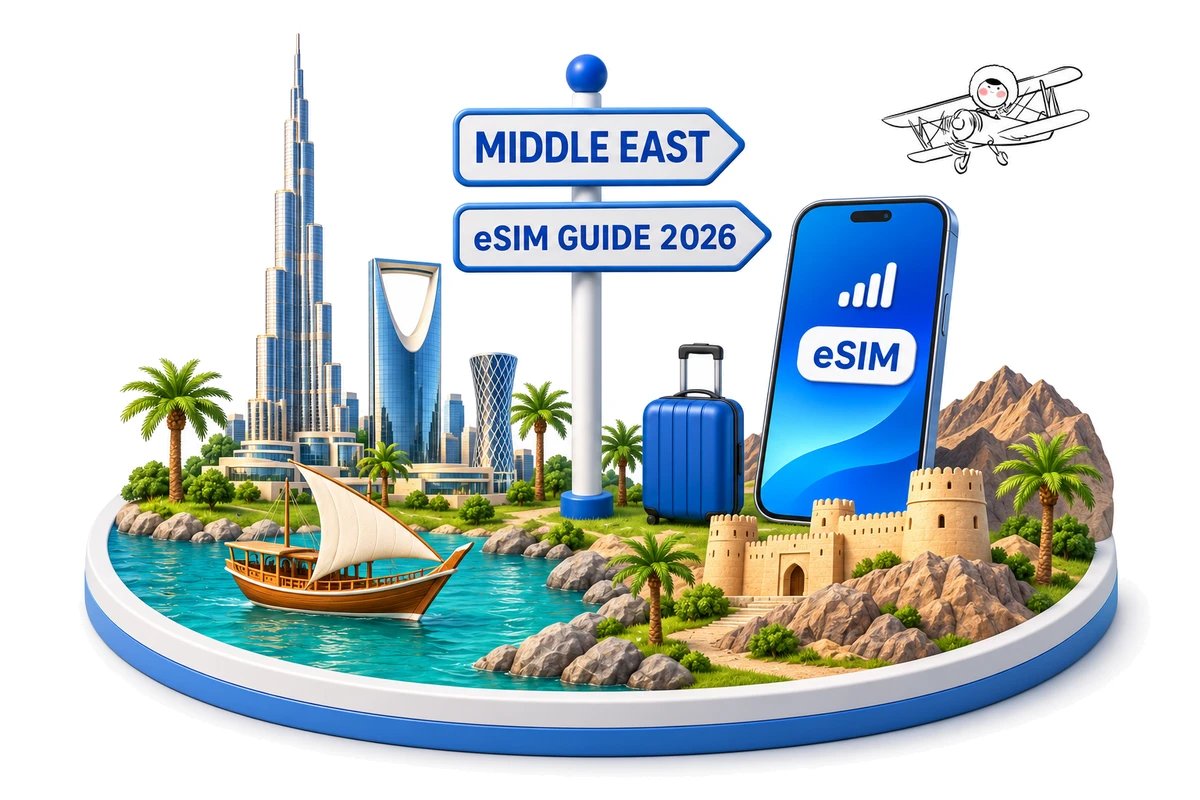
If you visit the Gulf regularly, Eskimo’s Middle East fixed-data eSIM is a good fit when it covers every stop on your route. Its unused data has no expiry, and you can share your connection with a laptop. If you buy 5 GB, use 2 GB on this trip, and return later, you still have 3 GB for a destination covered by the same package.
Traveling through Dubai, Riyadh, Doha, and Muscat on one trip? Check Oman before you buy. Eskimo’s regional page advertises 17 destinations without naming Oman in its public description. Its Oman eSIM page shows a separate Oman-only package. Open the country list for the exact plan you’re buying and look for the United Arab Emirates, Saudi Arabia, Qatar, and Oman. If any stop is missing, include the cost of covering it separately.
Which Middle East eSIM fits your trip?
Start with how you’ll use your phone. A traveler who needs maps and airport pickups can make a different choice from someone who will connect a laptop every afternoon. The Eskimo Middle East plan selector lists these fixed-data packages with no expiry and personal hotspot support.
| Fixed-data package | Listed price before discounts | When to consider it |
| 1 GB | US$5.90 | A short stop where you’ll mostly use hotel Wi-Fi and want mobile data for directions, messages, and pickups. |
| 3 GB | US$16.90 | A multi-city itinerary where you’ll use maps and booking apps most days and download large files on Wi-Fi. |
| 5 GB | US$23.90 | A trip where you expect to tether a laptop occasionally or can use the remaining balance on a later visit. |
| 10 GB | US$37.90 | A longer stay or repeat visits where your recent usage suggests you’ll use more than 5 GB. |
Prices checked November 24, 2026. Eligible discounts can change the checkout price.
Is 3 GB or 5 GB better value?
At the listed prices, moving from 3 GB to 5 GB costs US$7 for 2 GB more. If 3 GB covered a similar trip and you rarely return to the Gulf, the smaller package saves you money today. If you used close to 3 GB last time and already have another visit planned, the larger package gives you room to use more this time and keep the rest. Eskimo applies its no-expiry benefit to fixed data.
An unlimited day pass suits a different pattern. If you’ll join video meetings from your laptop, check how much high-speed data you get each day. Eskimo lists 3 GB of high-speed data per day on its Middle East unlimited plan, followed by service at 1 Mbps. That distinction matters more for a workday than the word “unlimited” on its own.
How to check coverage for the UAE, Saudi Arabia, Qatar, and Oman
Check coverage against your bookings, including any stopover where you plan to leave the airport. For a Dubai–Riyadh–Doha–Muscat trip, use this checklist before checkout.
| Your stop | What to look for in the package |
| Dubai or Abu Dhabi | United Arab Emirates or UAE. Search for the country if the city name gives no result. |
| Riyadh or Jeddah | Saudi Arabia. If you need hotspot access for work, check that feature on the same package. |
| Doha | Qatar. If you’re only changing planes, consider whether you’ll need mobile data during the stop. |
| Muscat | Oman. If you can’t confirm regional coverage, compare the separate Eskimo Oman plan before totaling the trip cost. |
For example, suppose the regional package covers your first three stops and you decide to buy 1 GB separately for Muscat. At the published list prices, 3 GB regional plus 1 GB Oman would cost US$26.80 before discounts. The two balances would apply to their respective coverage areas. This is a budgeting example for a split itinerary, so check the regional country list before buying an extra package.
Get Eskimo eSIM to stay connected globally
Need internet while travelling? Here's what we recommend:

Fixed data plans
- No speed reduction
- No expiry, keep your data forever
- Transfer data to anyone
- Personal hotspot


How to set up your eSIM and manage roaming charges
- Check your exact phone model. Use Eskimo’s eSIM compatibility guide before buying. Regional versions of the same phone can differ. If you’re adding a plan from another provider, also confirm that your handset is carrier-unlocked.
- Install while you have Wi-Fi. Follow the app or QR-code instructions and label the new line Gulf travel so it’s easy to find after landing. The Android eSIM setup guide walks through installation on supported Android phones.
- Select Gulf travel for mobile data. On iPhone, open Settings → Cellular → Cellular Data and choose the travel line. Turn off Allow Cellular Data Switching if you want data to stay on that line. Android menu names vary by model.
- Set roaming separately for each line. Turn data roaming off on your home SIM. On the travel eSIM, enable roaming if the provider’s instructions require it to reach a local partner network. Check the line label before changing the setting.
- Decide whether to keep your home number active. If you need bank verification texts, check your carrier’s overseas SMS and call rates before departure. As Apple’s international eSIM guide explains, your home carrier may still charge for activity on that line even when the travel eSIM supplies your data. If you don’t need the number abroad, you can turn the home line off.
What to do if mobile data stops at a Gulf border
If data worked in Dubai but stops after you cross into Oman, check the package first. Open your purchase confirmation and look for Oman. If it’s outside the package, changing your phone’s network settings won’t extend the coverage area. The Oman plan details show the available country-specific option.
If your destination is included, check that you have data left, the travel line is on, and it’s still selected for mobile data. Then check its roaming setting and briefly toggle airplane mode to let the phone reconnect. If you’re driving, download the route and save your hotel address before leaving Wi-Fi. That way you can keep navigating while the phone finds service. Apple’s data roaming troubleshooting guide covers the settings to check on iPhone.
Will internet calls work in Dubai?
If you need to join a work call in Dubai, choose the app before you travel. The UAE regulates internet voice and video calling, so having mobile data alone doesn’t guarantee your preferred calling app will work. The UAE telecom regulator’s list of permitted services includes Microsoft Teams, Zoom, and Google Meet for meetings. For a scheduled call, send a meeting link that both parties can open. This guidance applies specifically to the UAE.
Frequently Asked Questions
Can one eSIM cover the UAE, Saudi Arabia, Qatar, and Oman?
Yes, if the purchased package explicitly includes all four. When reviewing the Eskimo Middle East eSIM, confirm each country in the package details before checkout. Check Oman in particular because Eskimo also sells an Oman-only plan.
Can I use my phone as a hotspot in the Middle East?
Yes. Eskimo includes personal hotspot support in its Middle East fixed-data plans. Your laptop draws from the same allowance as your phone. If you’re tethering for a meeting, pause cloud backups and software updates first.
Do I need a passport to activate a Gulf travel eSIM?
The requirement depends on the provider and destination. Some prepaid plans require identification. Check the purchase instructions before departure so you have time to complete any verification while you still have Wi-Fi. Apple’s guide to international prepaid eSIMs explains what travelers may need when buying a plan abroad.
What happens to unused Eskimo data after my trip?
Unused data on an Eskimo fixed-data plan has no expiry. If you return with 2 GB left, you can use that balance on a future trip within the same package’s coverage. The unlimited day pass has its own daily allowance and terms.
Can I try Eskimo before buying a Gulf data plan?
Yes. Eligible new users can sign up for a free Eskimo Global eSIM. Eskimo’s 500 MB promotion lists the code FREE500MB, while its standard trial page currently advertises 250 MB. Confirm the allowance displayed when you register and check that the trial includes the country where you’ll first use it.
Conclusion
For a Gulf trip with hotel Wi-Fi most nights, 3 GB at US$16.90 is a useful starting point. If you expect to tether a laptop or return to the region, 5 GB costs US$7 more, and Eskimo’s fixed-data plan lets you keep what you don’t use. Make the final decision against your itinerary: confirm each country, price Oman separately if needed, and select the travel eSIM for mobile data before your first airport pickup.