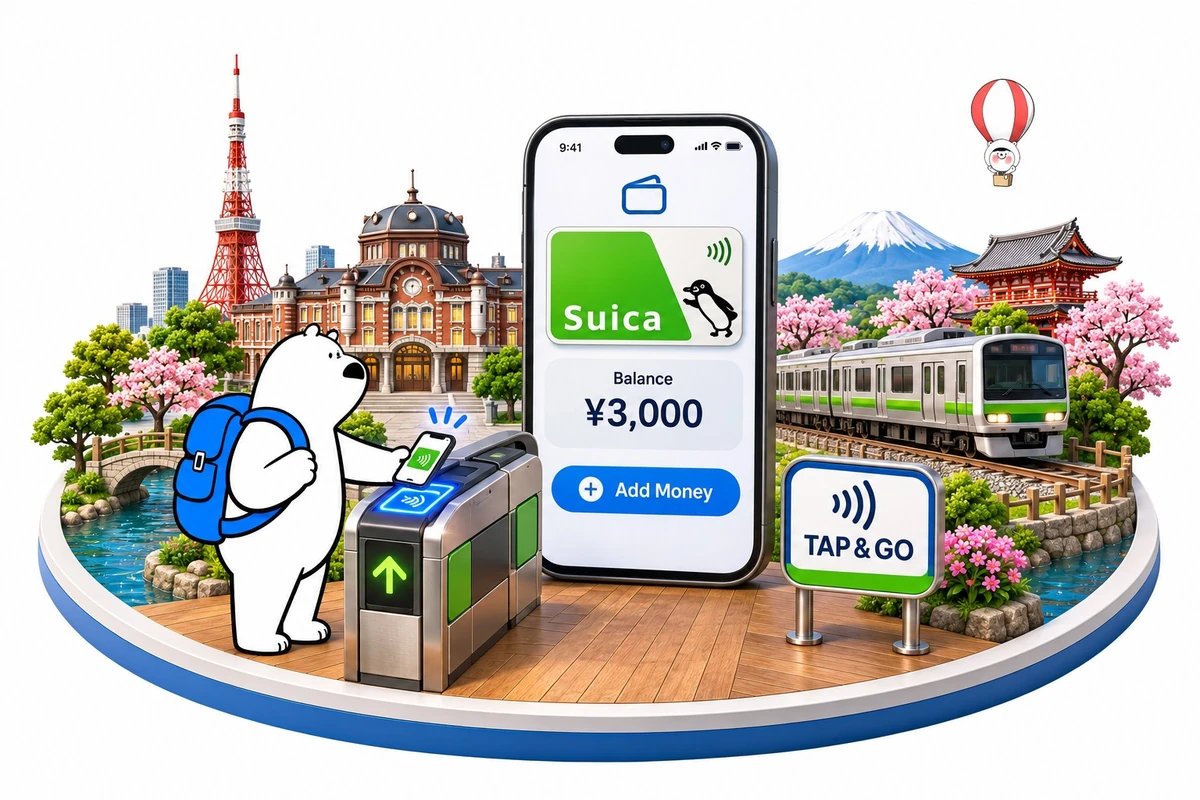
A Suica card is a rechargeable contactless transit smart card issued by JR East for trains, subways, buses, and retail payments across Japan. This digital suica card japan tourist setup and top up guide 2026 outlines how foreign visitors add digital cards directly into mobile wallets, bypass ticket counter queues, and manage balances without handling physical plastic.
[Visual Slot: High-resolution infographic diagram comparing mobile wallet setup steps against station kiosk ticketing | Alt Text: Infographic detailing digital suica card japan tourist setup and top up guide 2026 for smartphone users]
What Is a Suica Card and Where Does It Work?
A Suica card functions as an electronic money pass built on Japan's contactless FeliCa chip standard. Tapping the card against ticket gates deducts exact fares automatically across major metropolitan transit systems.
East Japan Railway Company originally developed Suica for commuter rail in the Greater Tokyo Area. Today, complete national interoperability links Suica with nine other major regional IC cards, including Pasmo, Icoca, and Kitaca. Travelers can ride local trains, metro lines, and municipal buses in Tokyo, Kyoto, Osaka, Hiroshima, and Sapporo using a single card.
Beyond transit turnstiles, Suica acts as cash at convenience stores, station kiosks, vending machines, coin lockers, and casual restaurants. Long-distance bullet train travel requires linking the card to online reservations or purchasing separate Shinkansen reserved seating, because basic IC taps only cover base distance fares on standard local networks.
Digital Suica Card Japan Tourist Setup and Top Up Guide 2026
Apple Wallet allows international visitors to generate a brand new digital transit card in seconds without installing third-party software. The entire process takes place inside the native wallet interface on compatible iPhones and Apple Watches.
1. Open the Apple Wallet app and tap the plus icon in the upper right corner.
2. Select Transit Card and scroll down to Japan, or type Suica into the search bar.
3. Tap Suica, select Continue, and choose an initial balance between 1,000 yen and 5,000 yen.
4. Authorize the transaction using an Apple Pay card linked to Mastercard or American Express.
Android devices purchased outside Japan typically lack the Osaifu-Keitai hardware chip needed to activate digital Suica cards natively. Travelers using international Android hardware should acquire a physical transit card at airport service centers upon arrival. Check how to setup SUICA on iPhone.
Welcome Suica vs Digital Apple Wallet Suica for Tourists
Physical Welcome Suica cards cater to visitors arriving at Tokyo airports, whereas Apple Wallet cards provide ongoing flexibility. Choosing the correct format depends on your phone hardware and how long you plan to explore Japan.
The Welcome Suica requires no deposit fee but expires strictly after 28 days, forfeiting any unspent balance remaining on the chip. In contrast, digital Suica cards in Apple Wallet carry a 10-year inactivity lifespan, store up to 20,000 yen, and allow rapid digital balance additions at any hour.
| Featur | Digital Apple Wallet Suica | Welcome Suica (Physical) | Standard Physical IC Card |
| Initial Deposit Fee | Zero | Zero | 500 Yen refundable deposit |
| Expiration Period | 10 years of inactivity | 28 days from activation | 10 years of inactivity |
| Top-up Method | Apple Pay (Mastercard, Amex) | Cash only at station kiosks | Cash only at station kiosks |
| Device Compatibility | iPhone 8 or later, Apple Watch 3+ | Any traveler (physical plastic) | Any traveler (physical plastic) |
| Leftover Balance | Stays saved for future visits | Non-refundable upon expiry | Refundable minus handling fee |
| Maximum Stored Value | 20,000 yen | 20,000 yen | 20,000 yen |
Understanding your daily transport expenses helps prevent overfunding your transit card. Calculating transport costs alongside accommodation and food estimates in a broader Japan trip cost analysis ensures your daily spending remains balanced.
[Visual Slot: Side-by-side comparison chart illustrating Welcome Suica versus Apple Wallet digital transit card features | Alt Text: Graphic comparing welcome suica vs digital apple wallet suica for tourists entering Tokyo airports]
How to Top up Suica Card with Foreign Credit Card 2026
Digital balance reloads work through Apple Pay, though certain payment card networks encounter processing blocks during checkout. Understanding payment processing compatibility saves time when adding transit funds on the go.
The most reliable option for how to top up suica card with foreign credit card 2026 transactions involves using a Mastercard or American Express card stored in Apple Pay. Foreign-issued Visa cards frequently fail automated 3D Secure fraud checks on Japanese transit platforms. If your transaction declines, switch your default payment card inside Apple Wallet to an Amex or Mastercard issued by an international bank.
Top-ups operate between 5:00 AM and 11:45 PM Japan Standard Time due to nightly JR East system maintenance. If you carry an international Android phone or a physical Welcome Suica card, top-ups must be completed using physical Japanese yen banknotes at station ticket machines or convenience store cash registers.
Get Eskimo eSIM to stay connected in Japan
Need internet in Japan? Here's what we recommend:

Fixed data plans
- No speed reduction
- No expiry, keep your data forever
- Transfer data to anyone
- Personal hotspot



Unlimited data plans
- Unlimited day pass
- Daily 3GB high-speed + 1Mbps unlimited after
- Personal hotspot


Do You Need Data or Wifi to Tap Digital Suica in Tokyo Trains
Express Mode allows smartphones to communicate with fare gates via near-field radio signals without an active internet connection. Travelers do not need active cellular data or local Wi-Fi to tap through subway turnstiles.
Station gate sensors read the encrypted transit chip directly using passive radio frequencies. Even when your smartphone battery drops to reserve levels, Express Card power reserve continues to validate transit taps for several hours on modern iPhones.
Mobile data becomes necessary only when you need to check balance histories, open maps, or add funds to your digital card balance mid-journey. Keeping transit balances topped up before entering remote regions eliminates unexpected gate rejections during station transfers.
Best Transit Apps and Digital IC Cards for Japan Travel
Pairing a digital IC card with dedicated route-planning tools makes navigating complex rail junctions straightforward. Tokyo stations contain hundreds of exits, making real-time transfer guidance essential for efficient navigation.
The best transit apps and digital ic cards for japan travel include Jorudan and Navitime Japan Travel, which provide platform numbers, transit car recommendations, and exact fare breakdowns. Google Maps integrates transit schedules accurately, identifying which station exit puts you closest to your destination.
For broader regional journeys, digital Pasmo functions identically to Suica across the same transport network. While exploring metropolitan rail networks across East Asia, travelers planning secondary stops can review practical urban transport tips in regional guides covering things to do in Malaysia to compare rail accessibility across Asian capitals.
[Visual Slot: Screenshot walkthrough demonstrating Apple Wallet Express Mode setup for transit gates | Alt Text: Smartphone display demonstrating best transit apps and digital ic cards for japan travel route planning]
Mobile Data for Navigating Japan Rail Networks
Reliable mobile connectivity helps travelers look up platform numbers, decipher multi-level subway exits, monitor train delays, and add funds to transit balances instantly. Cell signal remains exceptionally strong across Tokyo, Kyoto, and major bullet train corridors, though reception may weaken briefly inside deep underground tunnels, subway concourses, and mountainous rural tracks.
An Eskimo Japan eSIM plan can be installed before landing at Narita or Haneda airports, while Eskimo's global network footprint spanning 175 countries and regions is useful for travelers connecting through neighboring Asian destinations. The no-expiry fixed data feature ensures any unused data allowance remains active on your account for future international vacations.
New users can also claim a free 500MB Global eSIM.
Frequently Asked Questions
Can tourists use digital Suica on Android phones?
International Android smartphones generally lack the Japanese Osaifu-Keitai FeliCa chip required to run digital Suica. Android users visiting Japan should purchase a physical Welcome Suica card at the airport or use cash to buy standard single-journey paper tickets.
What should I do if my credit card fails to reload my digital Suica?
Visa cards issued outside Japan often trigger automated security blocks during Apple Wallet transit reloads. Switch your Apple Pay payment card to an American Express or Mastercard, or add cash to your digital balance at convenience store registers like 7-Eleven.
Does Suica cover the Shinkansen bullet train?
Tapping a Suica card at standard gates does not cover reserved or unreserved seats on the Shinkansen. You must purchase a bullet train express ticket separately at ticket counters, ticket vending machines, or via the official SmartEX mobile app linked to your Suica ID.
Can I share one digital Suica card across multiple travelers?
Each traveler requires an individual IC card or personal smartphone to pass through transit gates. Station barriers require an entry tap and an exit tap for every individual journey to compute distance fares correctly.
Conclusion
Setting up a digital transit card on your smartphone eliminates ticket kiosk lines and streamlines public transportation across Tokyo and beyond. Adding your card to Apple Wallet before landing, keeping a Mastercard or American Express card ready for top-ups, and enabling Express Mode guarantees quick transit across Japan. Add your transit card today, confirm your payment cards, and begin your journey through Japan with confidence.