Note: Menu names and interface labels may change over time. If you don’t see the exact options listed below, look for any billing or subscription-related section in your ChatGPT account settings.
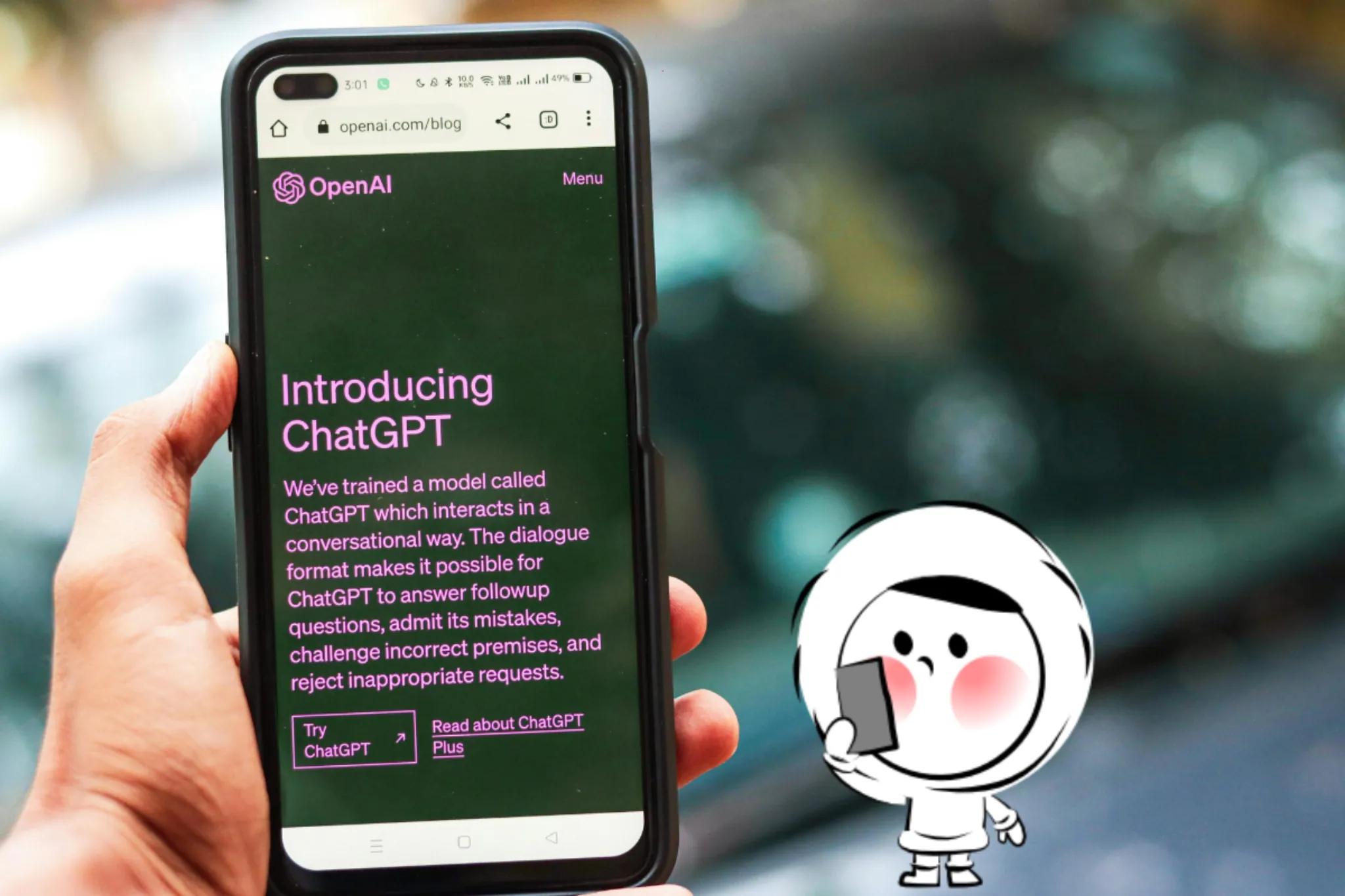
To cancel your ChatGPT Plus subscription, go to Settings > My plan > Manage subscription, then select Cancel Plan. Your access to Plus features will continue until the end of your current billing cycle. Whether you are on Web, iOS, or Android, follow the specific steps below to ensure your subscription is stopped successfully.
Things to Know Before You Cancel ChatGPT
Before canceling your ChatGPT subscription, it helps to understand how cancellation works:
- Canceling does not immediately end your access
- Your paid plan stays active until the billing period ends
- Unused subscription time is generally not refunded
- You can resubscribe to ChatGPT Plus or Pro at any time
Knowing this upfront can help avoid confusion, especially if you cancel close to your renewal date.
How to Cancel ChatGPT Plus on Desktop (Web Browser)
If you primarily use ChatGPT through a computer or laptop, follow these steps to manage your subscription:
- Log In: Open your preferred browser and go to chatgpt.com.
- Open Settings: Click on your profile icon or name located in the bottom-left corner of the sidebar.
- Access Subscription: Select "My plan" or "Manage subscription" from the menu.
- Cancel Plan: You will be redirected to the Stripe billing page. Click on "Cancel Plan" and confirm your choice.
How to Cancel ChatGPT Subscription on iPhone (iOS)
If you subscribed through the ChatGPT iOS app, your billing is managed by Apple. You must cancel it via your device settings:
- Open Settings: Launch the Settings app on your iPhone or iPad.
- Tap Your Name: Click on your Apple ID name at the very top of the menu.
- Select Subscriptions: Tap on the Subscriptions tab to see all active plans.
- Find ChatGPT: Locate ChatGPT in the list and tap on it.
- Confirm Cancellation: Tap "Cancel Subscription" at the bottom. Follow the prompts to finish.
How to Cancel ChatGPT Subscription on Android
For users who signed up via the Google Play Store on an Android device:
- Open Google Play: Launch the Google Play Store app.
- Profile Menu: Tap your profile icon in the top-right corner.
- Payments & Subscriptions: Select "Payments & subscriptions" and then tap "Subscriptions".
- Manage ChatGPT: Find the ChatGPT app and select "Cancel subscription".
- Follow Instructions: Choose a reason for canceling and confirm your decision.
How to Check If You Have a ChatGPT Plus Subscription
If you’re not sure whether your ChatGPT Plus or Pro subscription is still active, you can check your status easily:
- Log in to your ChatGPT account
- Open Settings
- Look under My Plan or Subscription
If your plan is active, you will see ChatGPT Plus or ChatGPT Pro listed. If your subscription has already ended, your account will show the free version.
Get Eskimo eSIM to stay connected globally
Need internet while travelling? Here's what we recommend:

Fixed data plans
- No speed reduction
- No expiry, keep your data forever
- Transfer data to anyone
- Personal hotspot


Is There a Difference Between Canceling ChatGPT Plus and Pro?
No. The cancellation process is the same for ChatGPT Plus and ChatGPT Pro.
Both plans:
- Are canceled from the same account settings
- Remain active until the end of the billing period
- Automatically downgrade to the free plan afterward
The difference between Plus and Pro is pricing and usage level, not how cancellation works.
What Happens After You Cancel ChatGPT?
After canceling your ChatGPT subscription, here’s what to expect:
- You keep access to Plus or Pro features until the billing period ends
- Your subscription status may still appear active until that date
- Your account switches to the free plan afterward
- Your chat history and account data remain available
- You can upgrade again at any time
Canceling your subscription does not delete your account or conversations.
Common Issues When Canceling ChatGPT
- I don’t see the cancel subscription button. This usually means your subscription is managed through the App Store or Google Play. In that case, you must cancel through your Apple or Google account settings.
- My subscription is still active after canceling. This is normal. Your paid plan stays active until the billing cycle ends, even after cancellation.
- I canceled, but was charged again. Check whether the cancellation was confirmed and whether your billing cycle had already renewed before you canceled.
Managing Online Subscriptions While Working Remotely
Managing tools like ChatGPT often happens online, and it usually requires a reliable internet connection. If you work remotely or travel while handling subscriptions, interruptions or unstable networks can make simple account changes more frustrating than they need to be.
Eskimo eSIM provides mobile data access across multiple countries without relying on public Wi-Fi or switching physical SIM cards. This makes it easier to manage online accounts, handle subscriptions, and work consistently wherever you are.
Eskimo also offers new users a free 500MB global data trial, which works in over 100 countries. This can be useful for quickly getting online to manage subscriptions or work on the go, before continuing with a full plan.
FAQs
Can I cancel ChatGPT anytime?
Yes. You can cancel your ChatGPT subscription at any time from your account settings or through your app store if your subscription is managed there.
Will I get a refund if I cancel ChatGPT?
No. Cancellations usually take effect at the end of the billing cycle, and unused subscription time is not refunded.
Can I resubscribe to ChatGPT later?
Yes. You can resubscribe to ChatGPT Plus or Pro at any time by choosing a new plan.
Do I lose access immediately after canceling ChatGPT?
No. After you cancel your ChatGPT subscription, you will continue to have access to Plus or Pro features until the end of your current billing cycle.
Why can’t I cancel my ChatGPT subscription?
In most cases, this happens because the subscription was created through the App Store or Google Play. If so, you must cancel it through your Apple or Google subscription settings instead of inside ChatGPT.
Can I cancel ChatGPT Pro and downgrade to Plus instead?
ChatGPT does not currently offer a direct downgrade option. To switch plans, you typically need to cancel your current subscription and subscribe to a different plan after the billing cycle ends.
What should I do if I’m still charged after canceling ChatGPT?
Check whether the cancellation was completed before your renewal date. If the issue persists, contact OpenAI support or the platform that manages your subscription.